Funding checks
When a record or draft is submitted to a project within the EU Open Research Repository, a funding relevance check runs automatically, verifying whether the record's metadata (title and description) is reasonably related to the project's award. To avoid blocking submissions, records can be published even if this check does not pass.
The funding check uses AI to compare your record's title and description with the project's official award description. Read our AI Usage Notice here.
Viewing funding checks
1
After submitting a request, it is possible to access the request page either via the project's requests page (for project curators), or via your dashboard (for submitters).
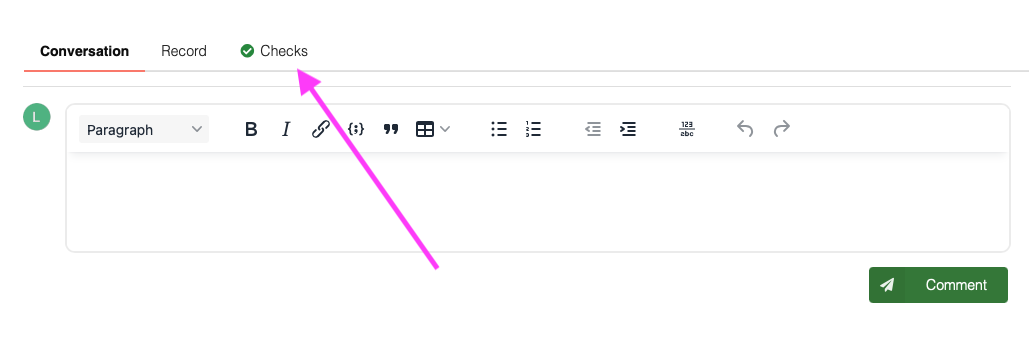
On the request page, click the Checks tab:
2
Next, click Funding relevance in the side menu.

3
The tab will show whether the record's metadata matches the project's award description, as well as a summary explaining the decision.
